
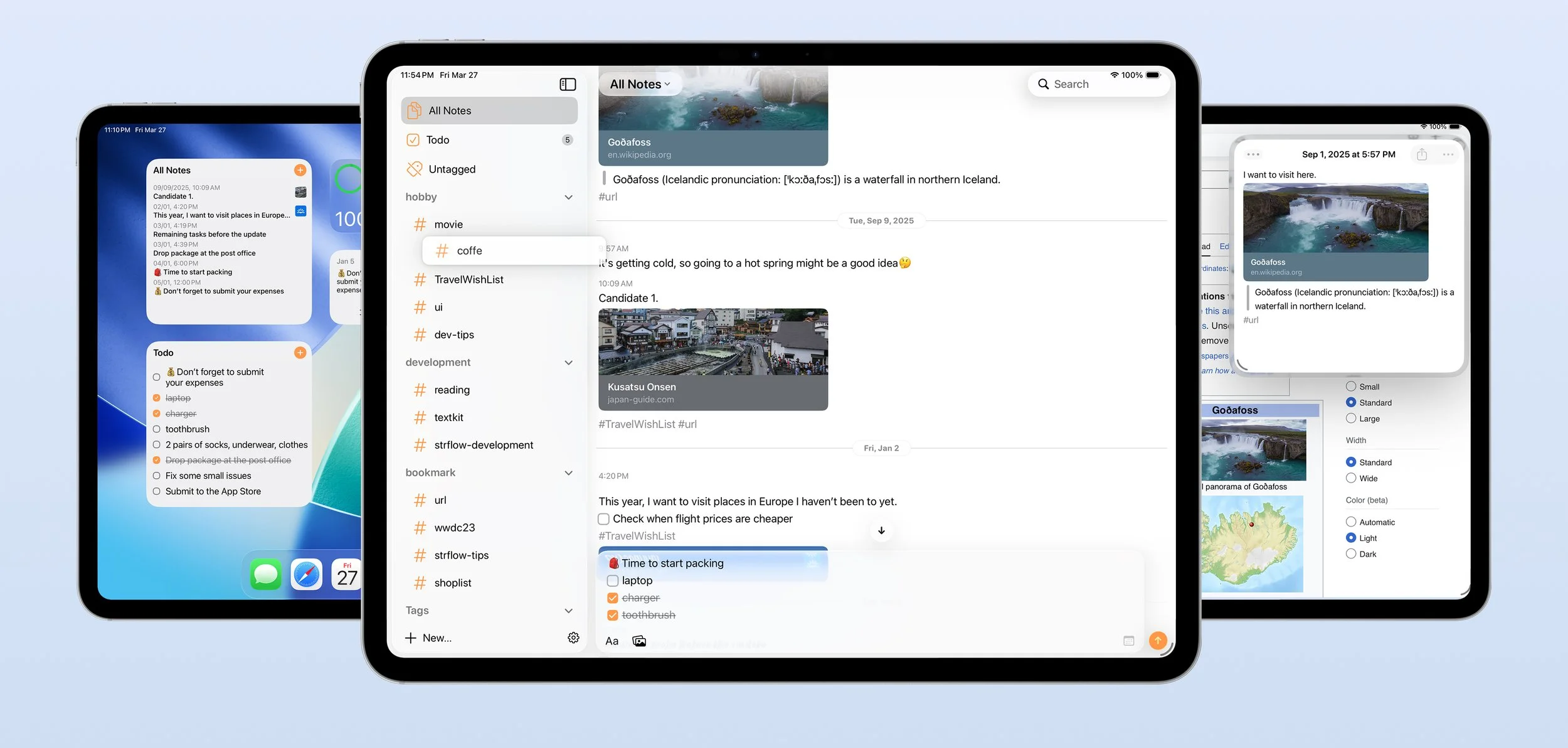
Hi, I’m excited to announce that Strflow is now available on iPad.
This has been one of the most requested features for a long time, and an important missing piece of Strflow’s chat-style note-taking experience.
I wanted to make it as powerful as the Mac app, while keeping it natural on iPad.
Here are some of the features that make this more than just “the iPhone app, but larger.”
Hardware Keyboard
The iPad app is designed to work great on its own, but connecting a hardware keyboard unlocks a desktop-class experience.
Text fields stay focused by default, so you can start typing immediately without tapping first.
Keyboard shortcuts work just like they do on the Mac app, so much of your workflow can be done without touching the screen.
Examples include:
⌘O to open Quick Open
Use Arrow Keys to select notes in the timeline
Use Shift + Arrow Keys to select multiple notes
Press Enter to open the selected note
Use Esc or ⌘[ to go back
⌘F to search notes
Delete to remove notes
Press Enter to post notes (adjustable in Settings)
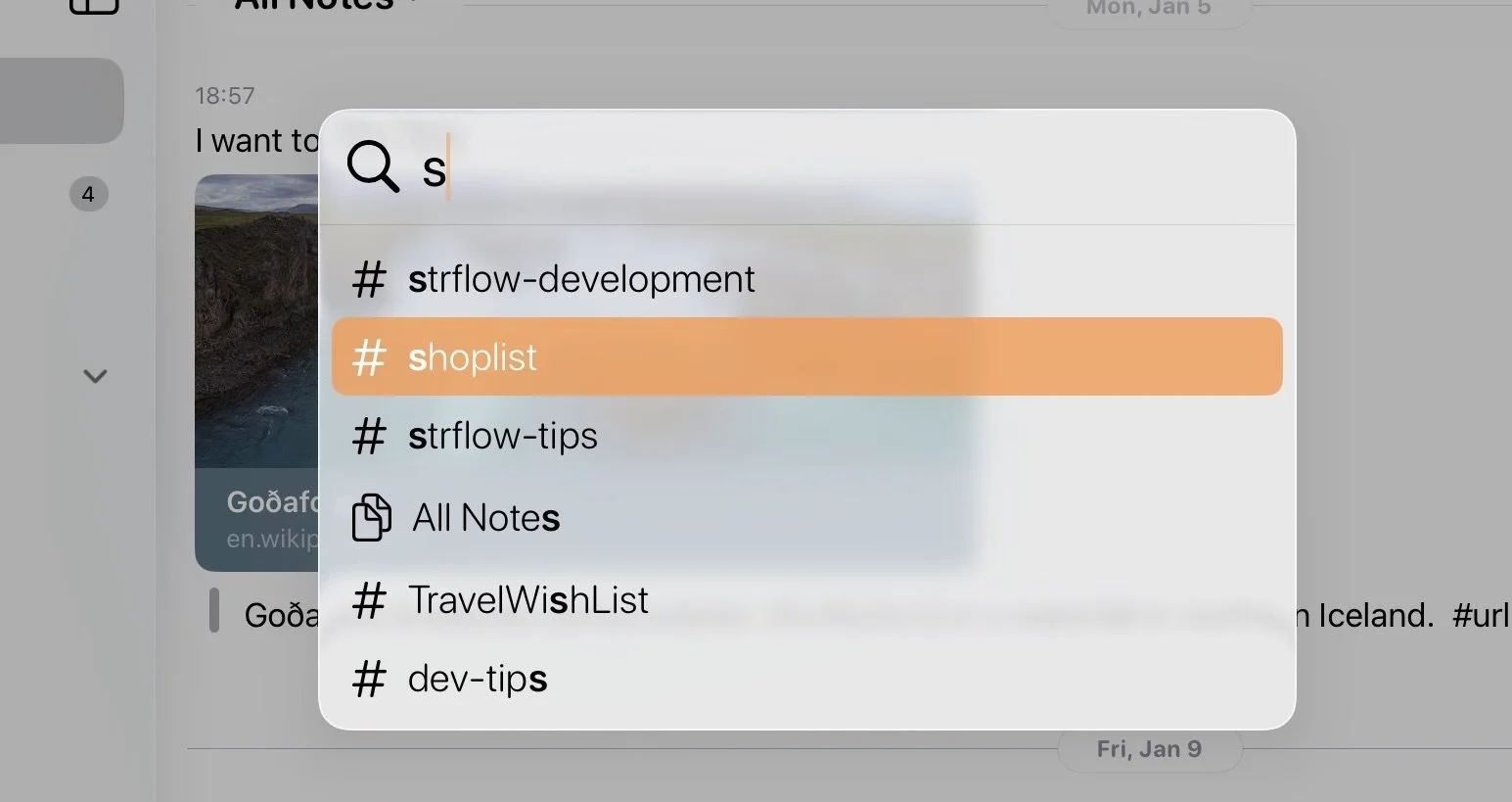
Quick Open Panel (⌘O)
Multiple Window Support
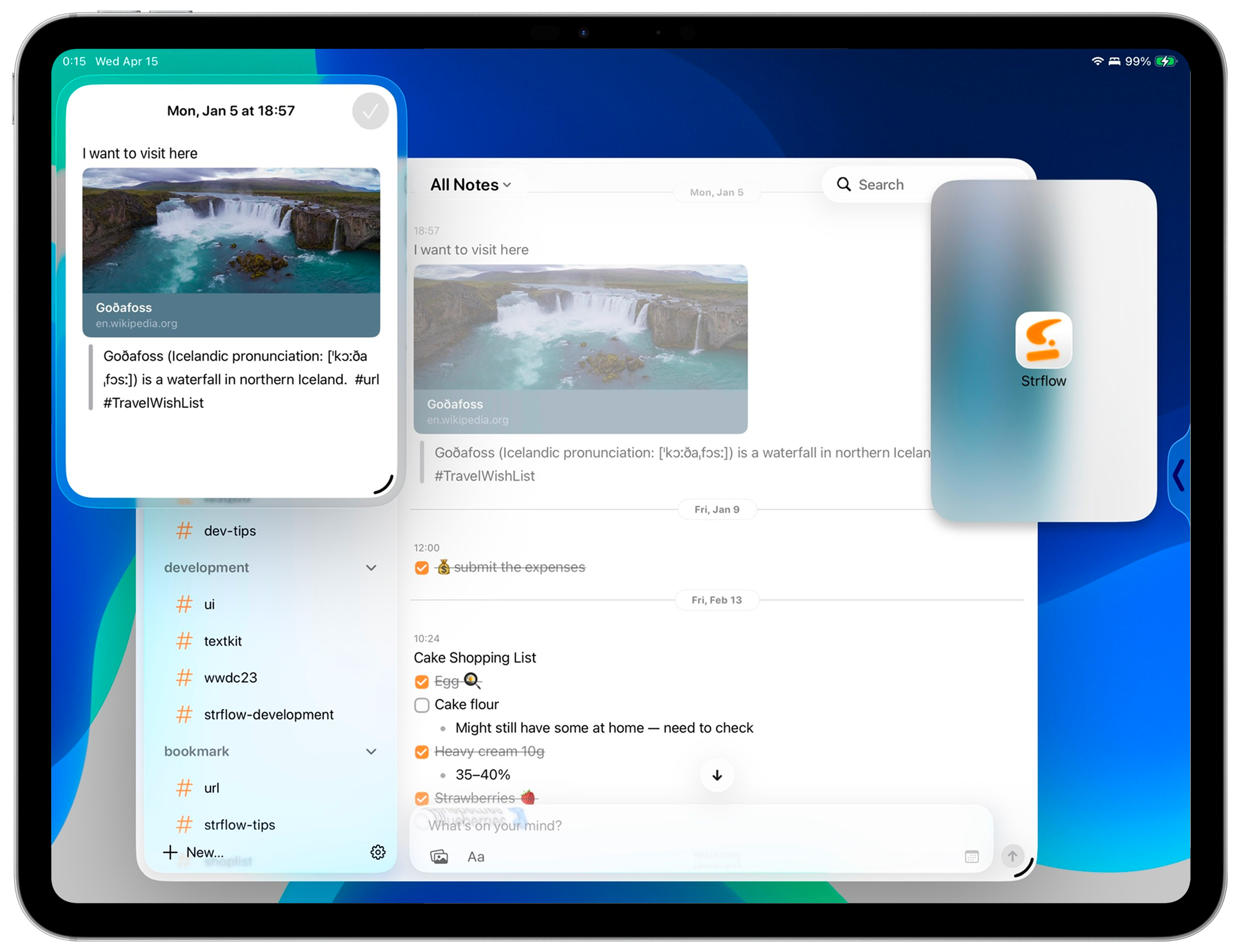
To take advantage of multitasking on iPad, Strflow supports multiple windows, including Split View and Slide Over.
You can also intuitively create a new window by dragging and dropping a note.
Quick image markup
Strflow integrates with iPadOS's built-in image preview, so you can tap any image and mark it up inline using the system's editing tools
Updated images are synced across your devices automatically.
And More
All the system integrations available on iPhone are here as well, helping Strflow feel native on iPad.
Including:
Widgets
Apple Shortcuts
Share Sheet support for saving content from other apps
Please give it a try and let me know what you think. Feedback and reviews are always welcome.🙌
Happy note-taking!