
Introducing Widgets for Strflow
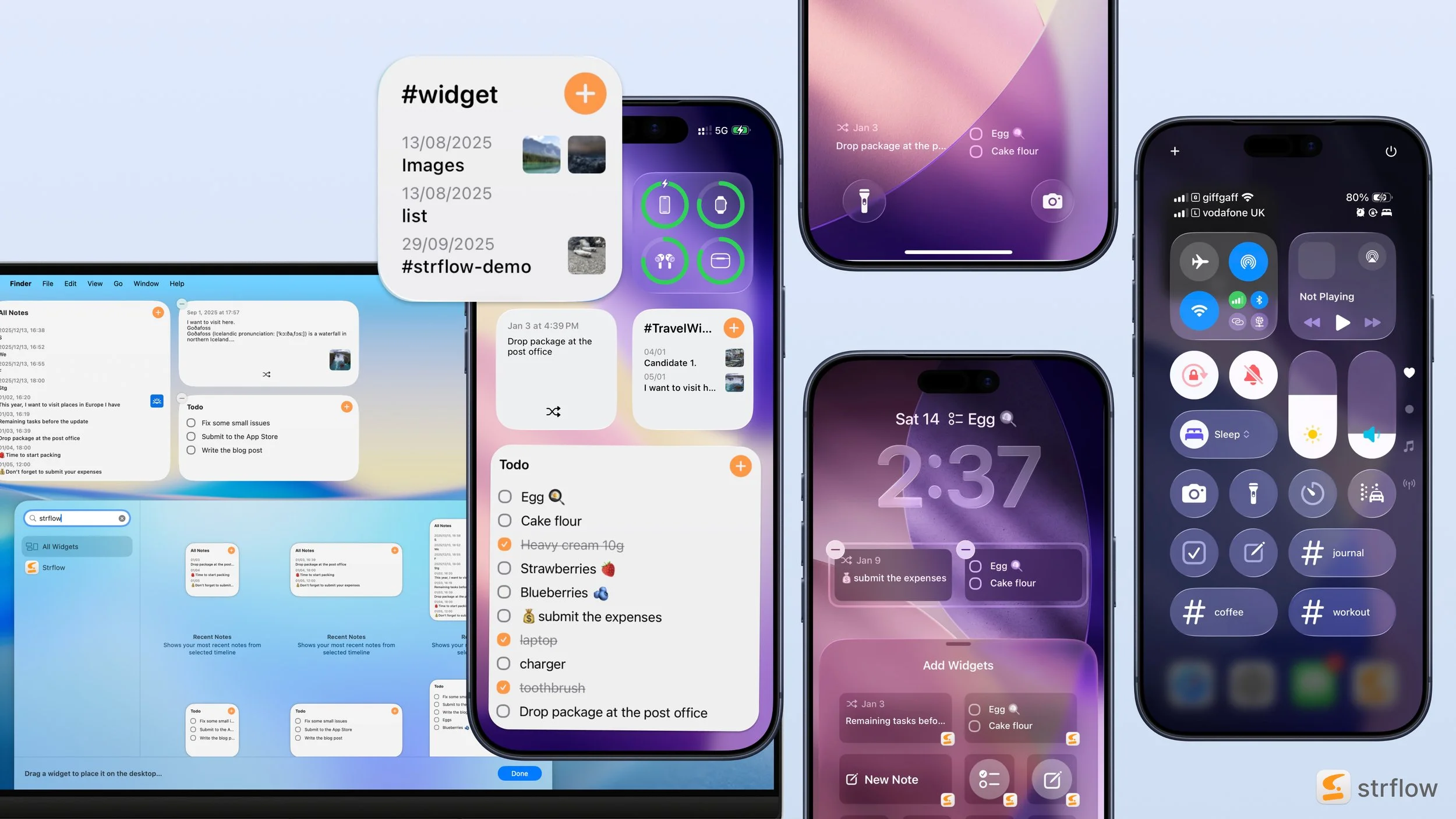
I’m excited to share Strflow’s new widgets. You can capture and access your notes from your Home Screen, Lock Screen, and Control Center.
Let’s take a look at what’s available.
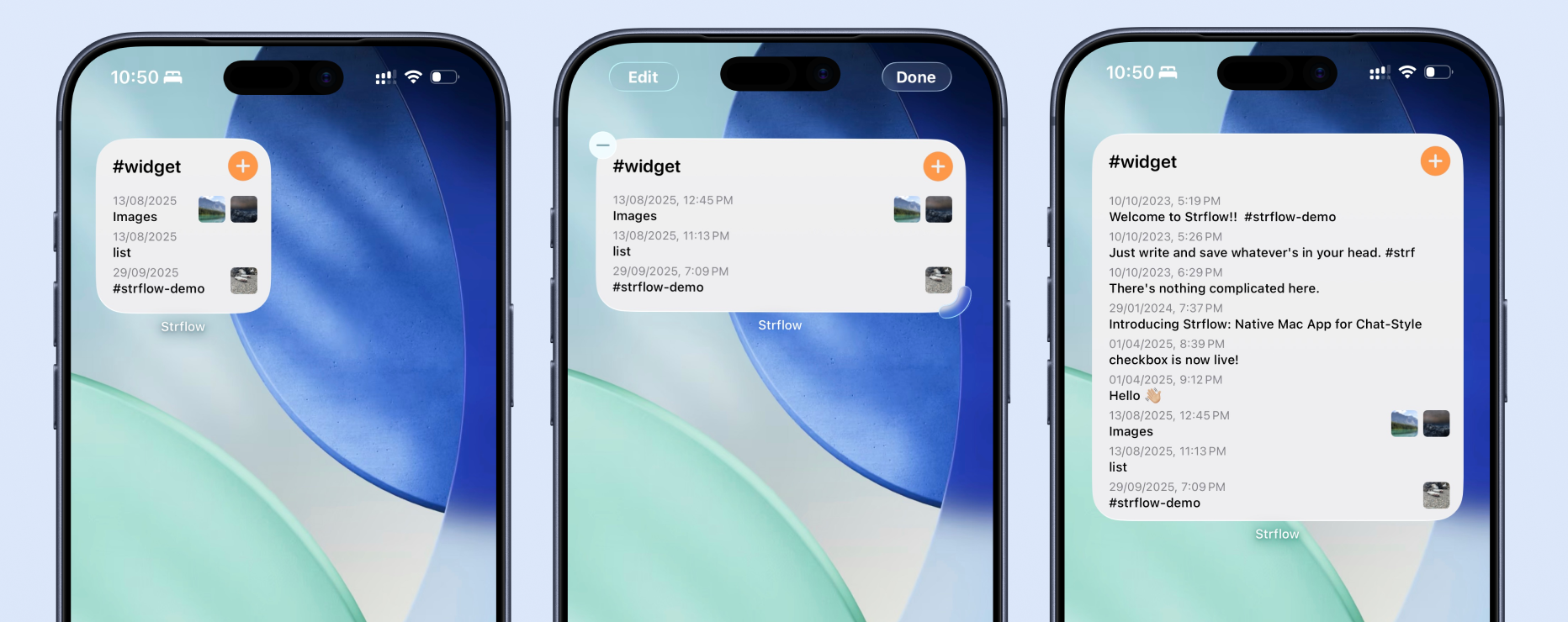
TimeLine Widget
This widget shows recent notes from a specified timeline. Image thumbnails are also displayed, so you can quickly recognize your content at a glance.
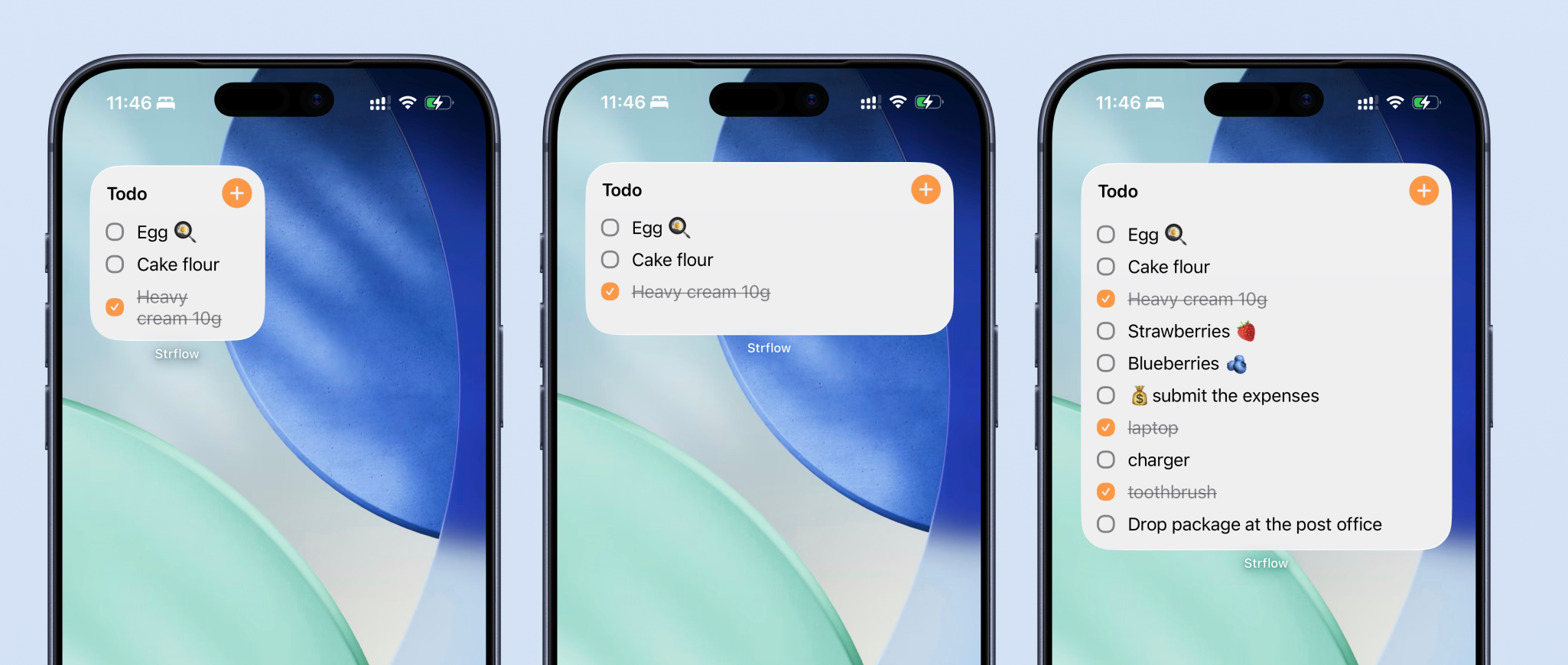
TODO Widget
This widget extracts your recent todos and displays them as a checklist. You can check items off directly in the widget without opening the app.
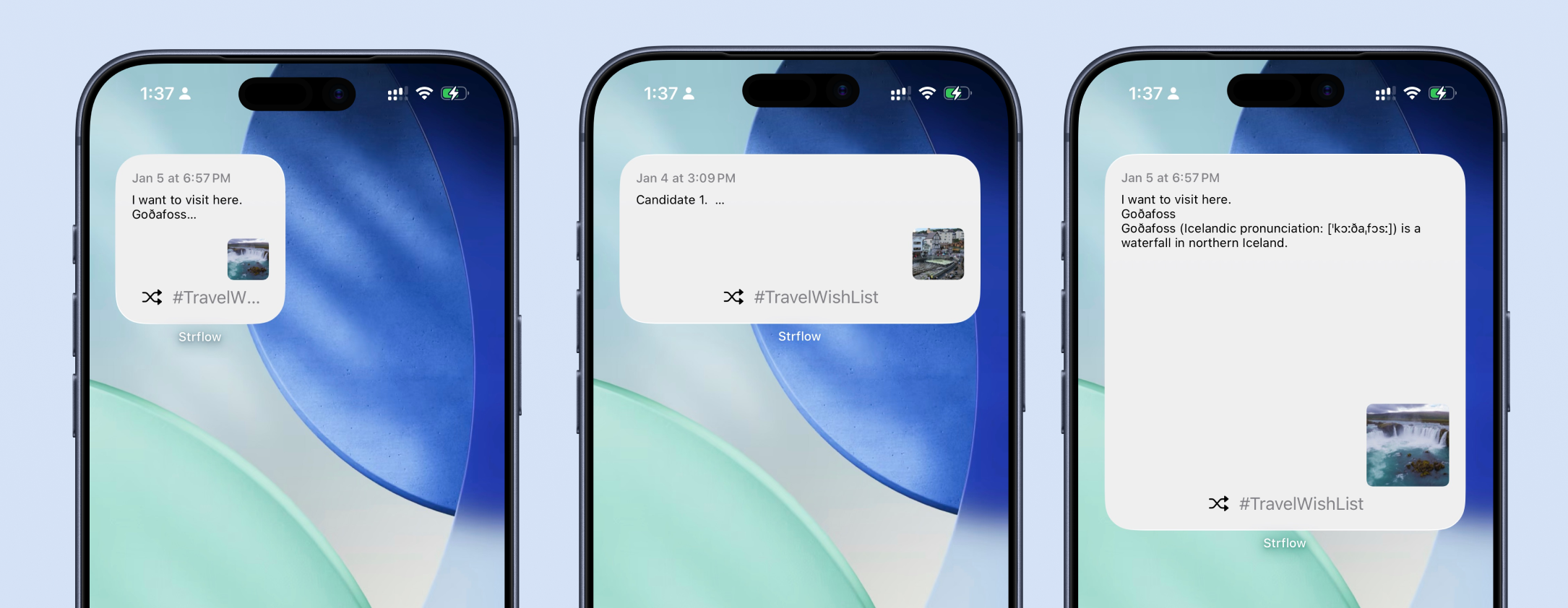
Random Note Widget
This widget randomly shows past notes from a timeline of your choice to help you rediscover them. You can tap the shuffle icon to view another random note right in the widget.
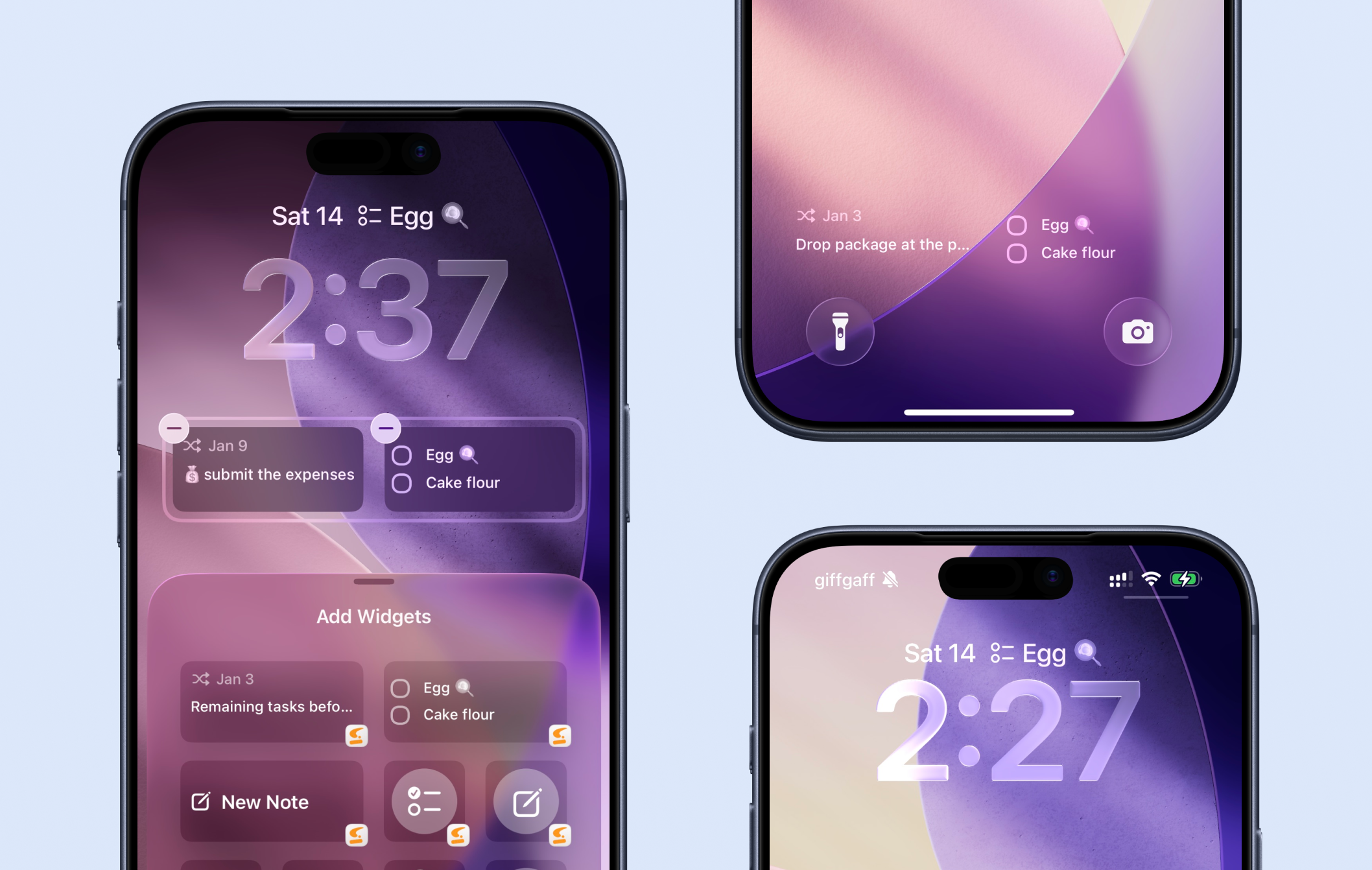
LockScreen Widget
You can add multiple Strflow widgets to your Lock Screen — above the clock or in the widget area below, wherever you prefer.
You can even check off todo items directly from the Lock Screen.
Control Center Widget
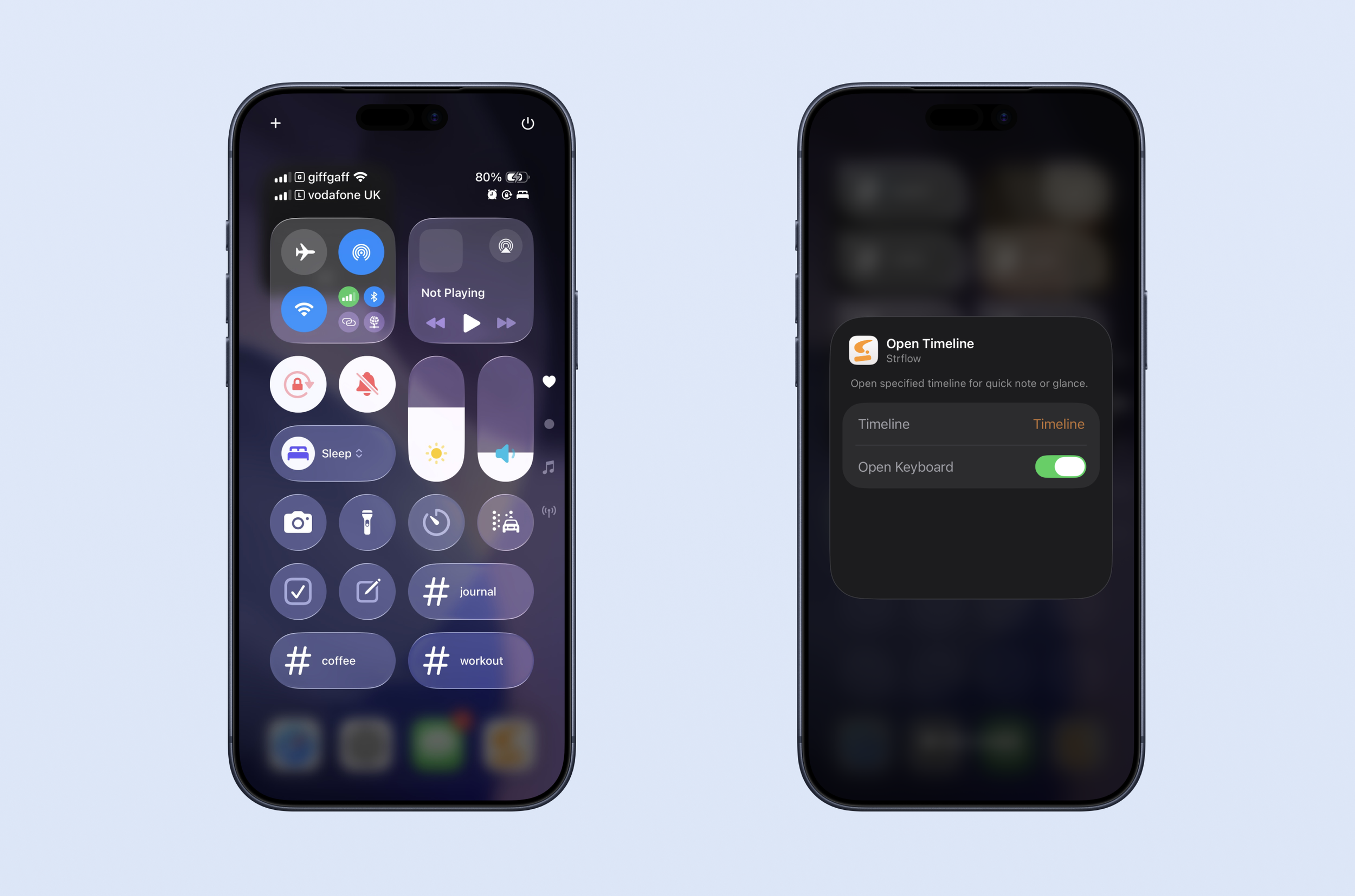
This could be one of the fastest ways to open Strflow and start writing.
You can configure each control to open a specific timeline and choose whether the keyboard opens automatically. You can even add multiple controls for different tags or timelines.
Widget on Mac
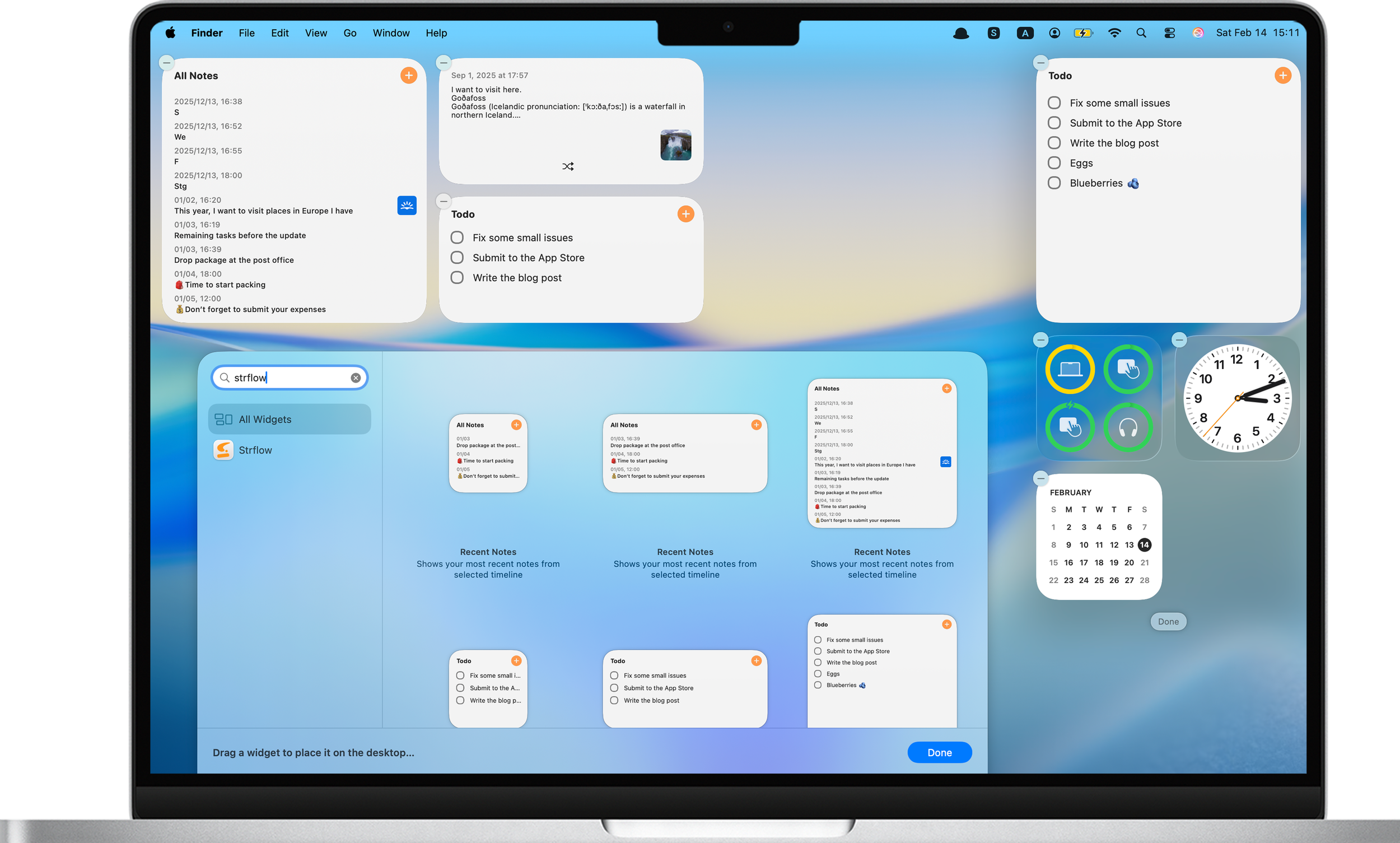
And yes, Strflow widgets are available on macOS too.
Thanks for reading this far!
Basically, Strflow widgets are everywhere now.
Give them a try and see what works for you. Happy note-taking!